The stamped photo or video
The picture itself, with the time, place and QR code burned in. Even a forwarded, compressed copy’s QR still leads to the signed record.
Best for: Messaging, email, everyday sharing
Coming soon to iPhone & Android
CaptureSeal stamps the date, time, street address and GPS into every photo and video, then seals it on your phone. Anyone can scan the QR code and check it wasn’t edited. No app needed to check, no account.
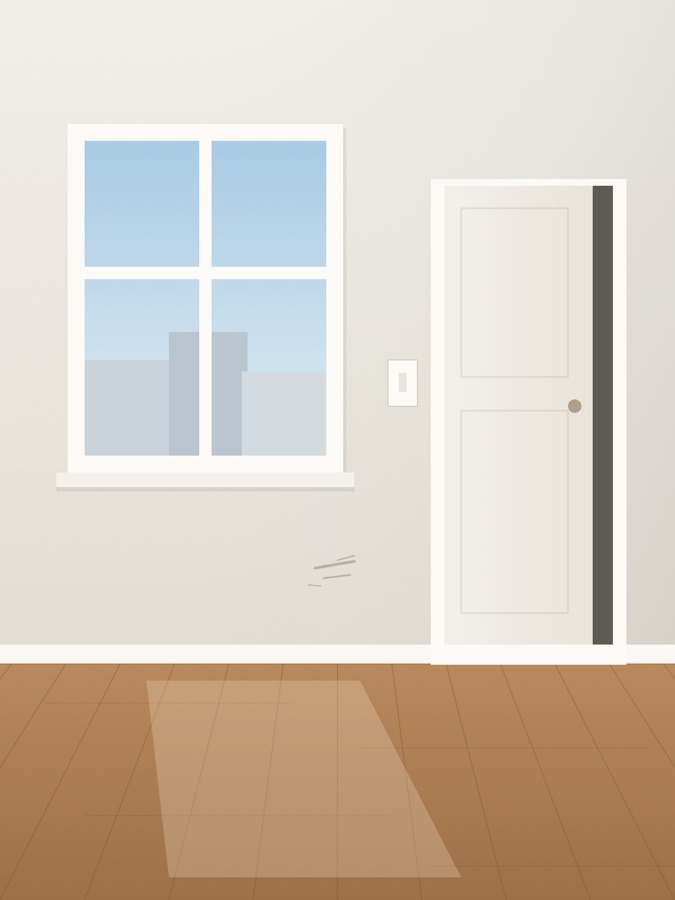
Thu, Oct 1, 2026 · 10:12:08 AM GMT-07:00
Mission St, San Francisco CA 94110, United States
37.759912° N, 122.418734° W ±4 m
Check the photo you received
Record signed by key 7EF3 4FED F4C1 7BAA
Genuine: matches, bit for bit
Made for photos that get questioned
01How it works
CaptureSeal is a timestamp camera app that stamps the date, time, address and GPS on photos and videos and seals them so anyone can verify they weren’t edited. Coming soon to iPhone and Android.
Take the photo or video as usual. CaptureSeal keeps the untouched original and makes a stamped copy with the date, time, address, coordinates and a QR code burned into the pixels.
Both files get SHA-256 fingerprints, signed together with the time and place by a key in the phone’s secure hardware (Secure Enclave on iPhone, StrongBox/TEE on Android). The clock is cross-checked against internet time.
Scan the QR or open the link to see what the capturing phone recorded. Then drop in the file you were sent: it’s fingerprinted locally, and only an identical file passes. An edited or re-saved one won’t match.
02What’s in the stamp
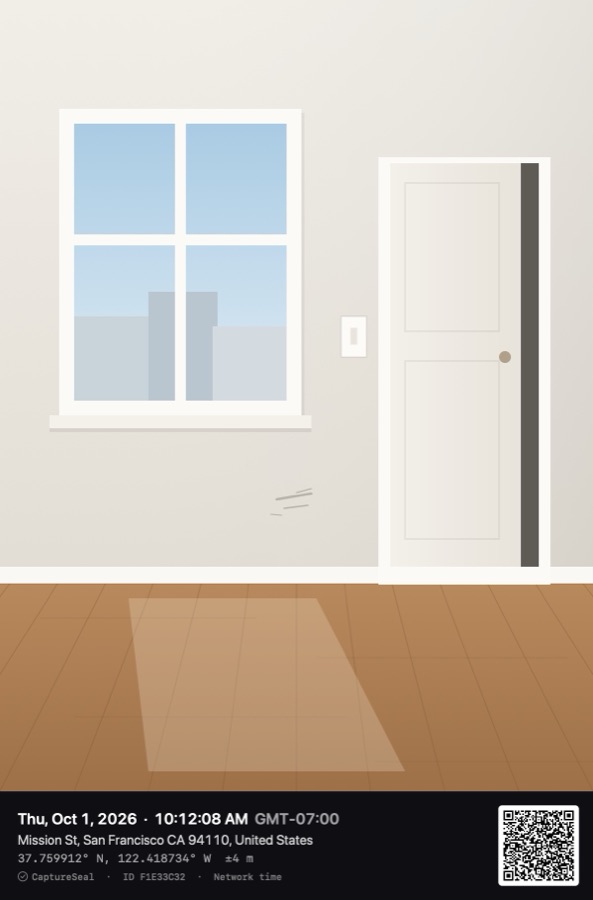
The stamp is for people: it answers “when and where?” at a glance. The seal behind it is what makes those answers checkable. This one is a real CaptureSeal stamp; scan its QR code.
Thu, Oct 1, 2026 · 10:12:08 AM GMT-07:00
Mission St, San Francisco CA 94110, United States
37.759912° N, 122.418734° W ±4 m
With the time zone, to the second. Taken from a clock that was cross-checked against internet time.
Looked up from the GPS fix. When the fix is poor, the record says “approximate” rather than guess.
Coordinates with the fix’s accuracy radius, so a reader can judge how precise the place is.
The first 8 characters of the original file’s SHA-256 fingerprint. It ties a printout to its record.
Opens the signed record in any phone camera. It also names the capturing device’s key, so look-alike records can’t stand in.
“Network time” when the clock was checked online; “Device time” when the phone was offline. Honest either way.
03Tamper? It shows.
A SHA-256 fingerprint is a 64-character code calculated from every byte of a file. Change anything, even a single pixel, and the code changes completely. The signature locks the original code to the time and place.
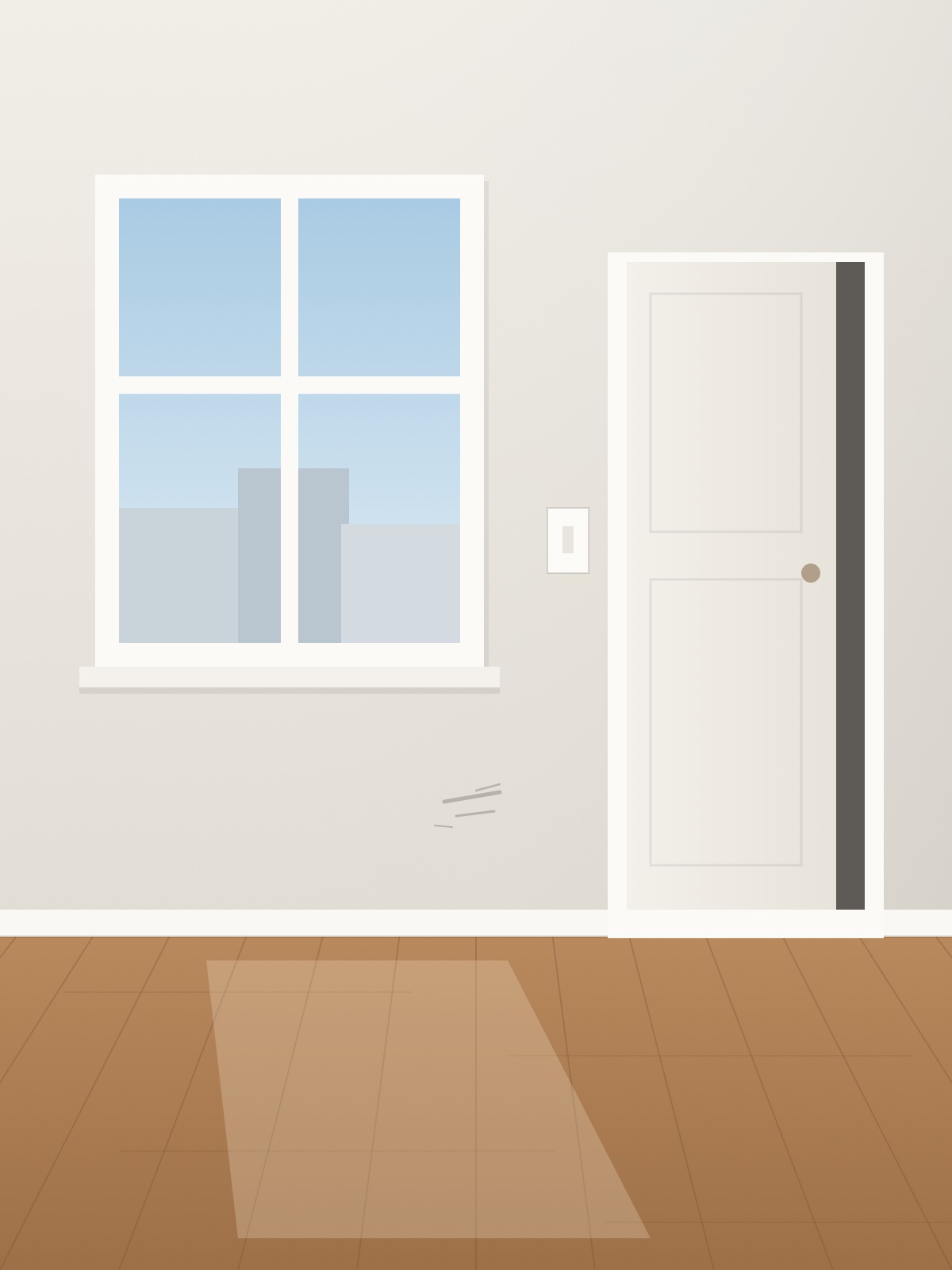 One pixel, magnified
Matches the seal
The demo capture’s original file matches the fingerprint in its signed record. Edit a single pixel, crop, filter or even re-save it, and the fingerprint changes completely, so the check fails.
04Ways to share
Every capture can leave your phone four ways. All of them can be checked by someone who doesn’t have the app.
05Use cases
Anywhere one side has the photo and the other side has doubts.
Room-by-room condition photos that landlords and tenants can both check. Fits California’s AB 2801 photo rules.
Move-out photosProgress and completion photos with the address burned in, for clients, inspectors and payment disputes.
Site photosDamage photos with a time, place and fingerprint an adjuster can verify instead of taking on trust.
Claim photosWhere and when a parcel was left, sealed at the doorstep, with GPS accuracy shown.
Proof of deliveryRecord an item’s condition and packing before it ships, so an edited “damaged on arrival” photo stands out.
Seller photosBefore-and-after photos for every visit: installs, repairs, meter readings, with network-checked time.
Field photos06Try the real check
This record was sealed with CaptureSeal’s own code. Check the original file, then a copy your browser re-saves. It all runs here, in your browser.
A signed record was found. Now check a file against it:
Open the demo recordmanifest.jsonmanifest.sigoriginal.jpgProof File (.seal)
07Privacy & honesty
No ads, no tracking, no account. And a straight answer on what a seal can and can’t prove.
Checking a file happens in the viewer’s browser: it’s fingerprinted locally and compared with the record. Verify links publish only the signed record, never the photo or video, and you can withdraw them any time.
No ad SDKs in the app today, no tracking, no dark patterns: never an ad over the shutter, never a fake close button. The business is a fair Pro plan.
No sign-up to take, seal or check a photo. Your key lives on your phone.
Standard SHA-256 and ECDSA P-256. Your browser re-checks every signature itself, and the Proof File verifies offline with OpenSSL, so nothing depends on trusting this server. See the OpenSSL recipe.
CaptureSeal is tamper-evident: it can’t stop anyone editing a copy, but the edit shows when checked. It proves the file is unchanged since a specific phone sealed it at the recorded time and place. It doesn’t prove more than that.
of your file uploaded when anyone checks it
in the app, ever
needed to seal or to verify
in every SHA-256 fingerprint
08Pricing at launch
Sealing and verifying stay free. Pay only for professional extras, once the app launches.
$0forever
No ads. No account. No card.
Best value · save 50%
$4.99$2.50/month
Billed $29.99 a year · cancel any time
$4.99/month
Everything in Pro. Cancel any time.
Planned prices at launch. India: Pro ₹999/year (₹83/month), ₹199/month or ₹99/week. Pro’s verify links stay live while Pro is active and for 30 days after; the seal itself never expires. Purchases go through Apple or Google, in local currency, and can be cancelled any time.
Last updated
Questions
CaptureSeal is a camera app for proof. It stamps the date, time, street address, GPS coordinates and a QR code into every photo and video, then seals each capture with a digital signature so anyone can check later that it wasn’t edited. It’s made by techynAR.
CaptureSeal is coming soon to iPhone and Android. It isn’t in any app store yet. Join the waitlist and we’ll email you the day it launches, and nothing else.
No. They scan the QR code in the stamp with any phone camera, or open the verify link, and the record opens in a browser. They can drop their copy of the file on that page to check it, and the file never leaves their device.
Yes. At launch, sealed photos are unlimited and free, with video up to 30 seconds, every template, Proof Files, the verifier and 3 verify links to try (each online for 30 days). There are no ads and no account. Pro has no limits: unlimited verify links, PDF reports with your logo, automatic backup, video of any length and your own label in the stamp. Checking a capture is always free for whoever opens it.
No. A link alone doesn’t prove the photo; the check does. The link shows what the capturing phone recorded. To check the photo itself, drop the file you received on that page: it turns green only if it’s identical, bit for bit, to what was captured. Anyone could send a real link next to an edited photo, and that copy won’t match.
It proves something narrower and checkable: the file hasn’t changed since it was sealed on a particular device, at the recorded time and place. It can’t prove the scene itself was genuine (a photo of a screen still seals), and the key identifies a device, not a person. See Security for the full threat model.
Messaging apps recompress media, so the forwarded copy won’t match the sealed fingerprint. The QR code in the stamp still leads to the signed record, so the recipient can see the original time and place and ask you for the original file or a Proof File.
In the phone’s secure hardware (Secure Enclave on iPhone, StrongBox/TEE on Android). The key is created there, can be used to sign but never leaves it, and not even CaptureSeal can read or copy it. Only the public key goes out, inside each record.
Apple Reference Image (announced September 2026) signs still photos on the iPhone 18 Pro main camera, and some Android phones add Content Credentials (C2PA). CaptureSeal is built for iPhone and Android phones alike, seals video too, shows the time and place in a visible stamp, and anyone can check a capture in an ordinary web browser.
Coming soon to iPhone & Android
CaptureSeal is coming soon to iPhone and Android. Leave your email and we’ll tell you the day it launches. One email, no spam.